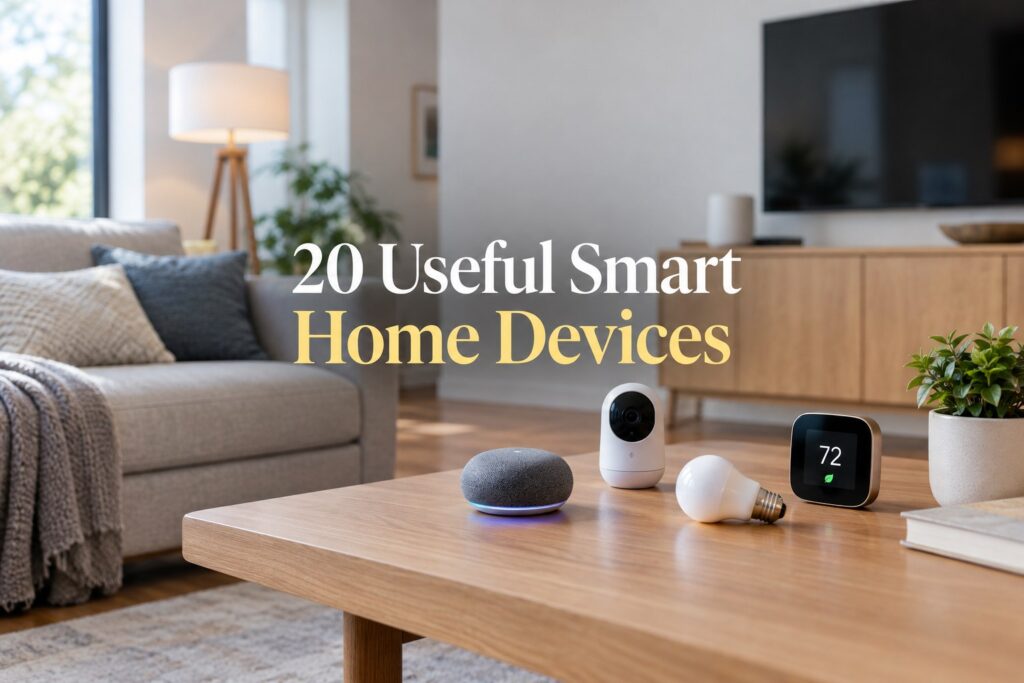
Smart home technology has moved well beyond novelty gadgets. The most useful devices are the ones that quietly solve everyday problems: keeping your home comfortable, reducing wasted energy, improving security, making routines easier, or helping you keep an eye on things when you are away.
Affiliate Disclosure: As an Amazon Associate I earn from qualifying purchases. We may earn a commission through links in this article, at no extra cost to you.
That is the standard behind this list. Instead of filling your house with devices you rarely use, these smart home devices that are actually useful are practical upgrades worth considering for an American home. Some are simple, inexpensive additions, while others make sense as part of a larger smart-home setup.
20 Smart Home Devices That Are Actually Useful
1. Smart Thermostat
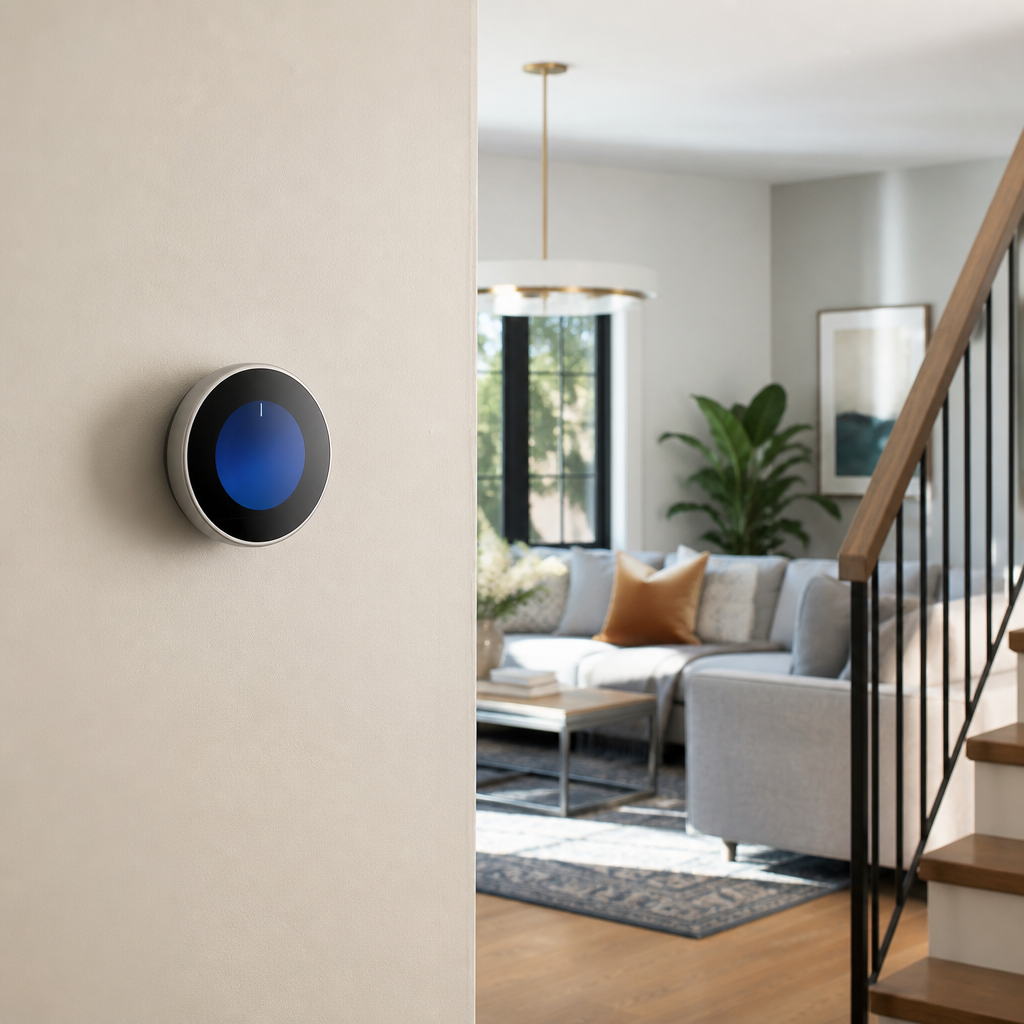
A smart thermostat is one of the easiest smart-home upgrades to justify because it connects technology to something you already use every day: heating and cooling. Depending on the model and your HVAC system, you can adjust temperatures remotely, create schedules, use occupancy or geofencing features, and review usage information.
ENERGY STAR says certified smart thermostats are independently tested using real-world field data and are designed to help reduce heating and cooling energy use. Compatibility matters, so check your HVAC system and wiring before buying.
See a related option on Amazon (paid link)
2. Smart Plugs
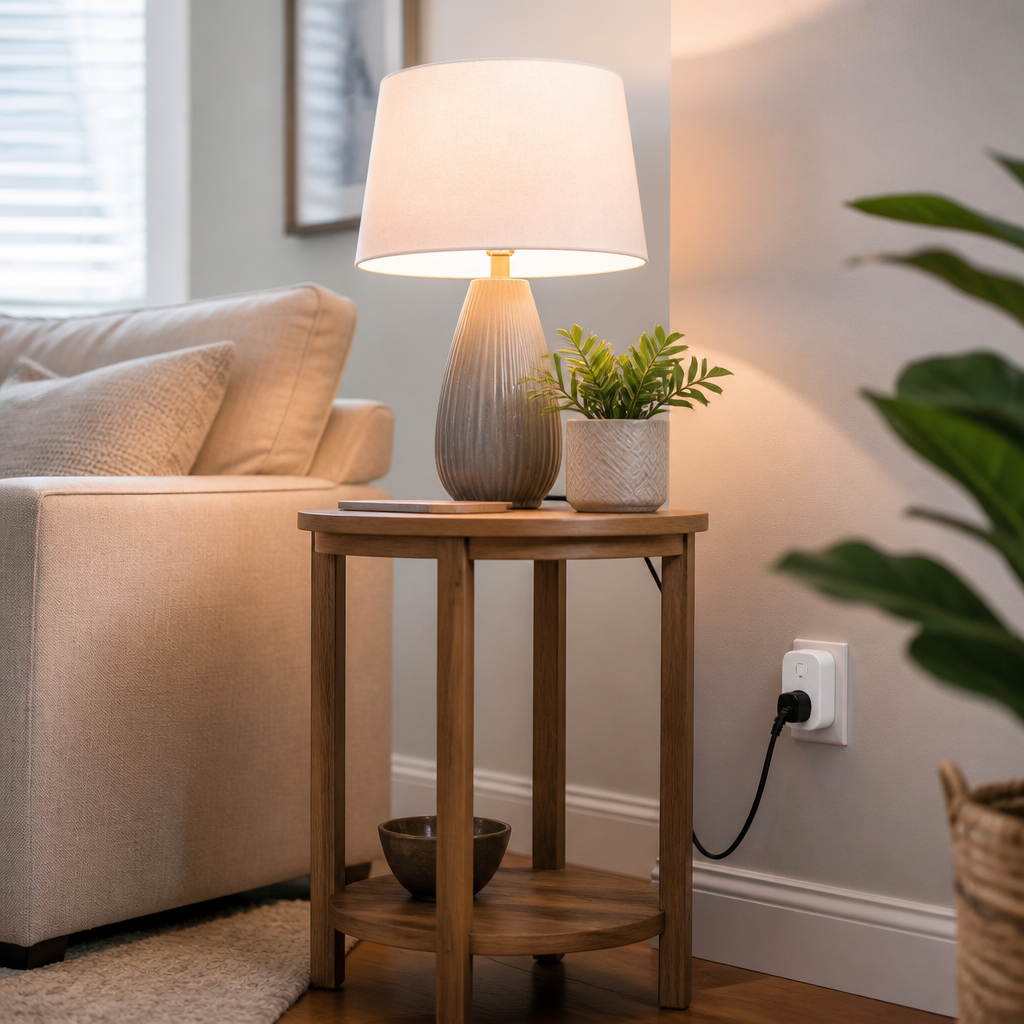
Smart plugs turn ordinary lamps, fans, coffee makers, and other compatible devices into controllable appliances. They are particularly useful for simple schedules, remote shutoff, and routines such as turning a lamp on in the evening.
They are also a low-cost way to experiment with smart-home automation without replacing an appliance.
See a related option on Amazon (paid link)
3. Smart Light Bulbs
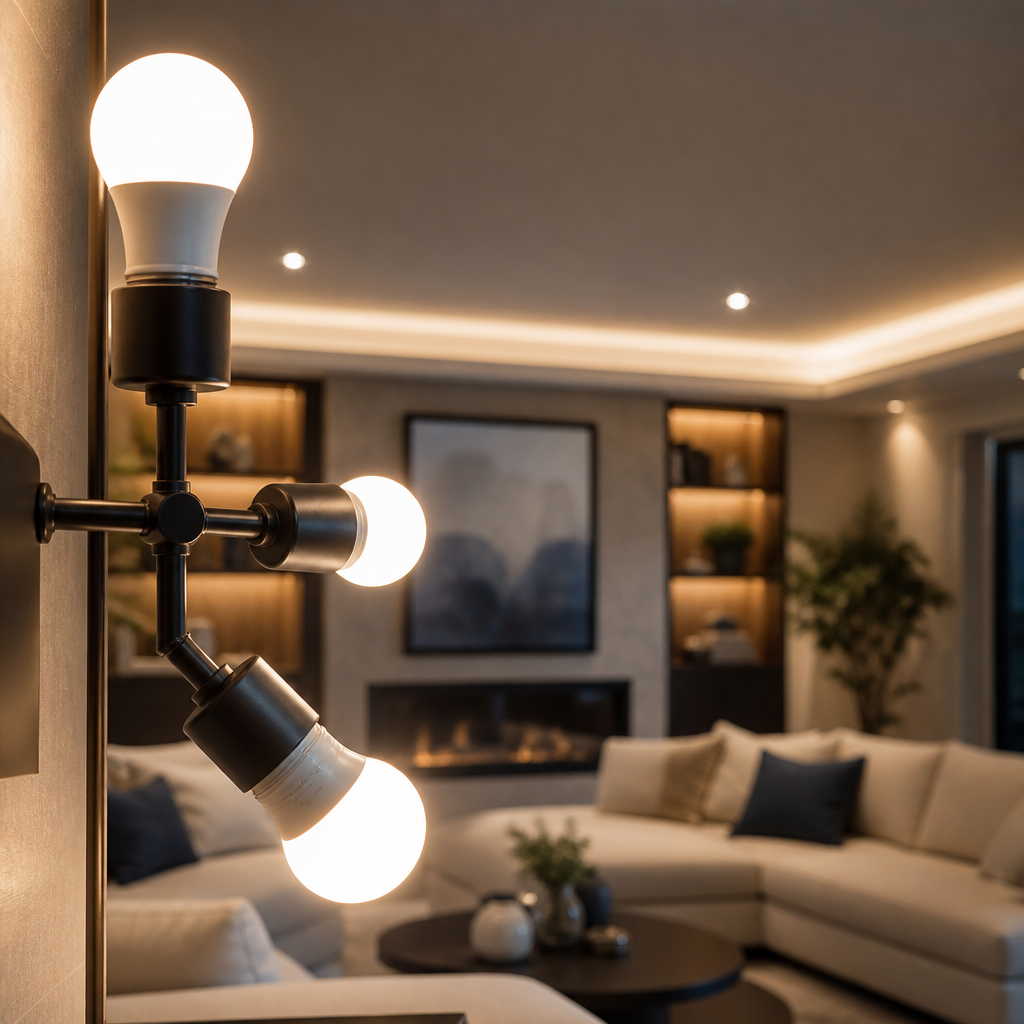
Smart bulbs are useful when you want convenient control without changing the whole electrical system. You can schedule lights, switch them off remotely, create evening routines, and adjust brightness on compatible models.
For everyday practicality, prioritize bulbs that fit your existing fixtures and offer the brightness and color temperature you actually need.
See a related option on Amazon (paid link)
4. Smart Light Switches
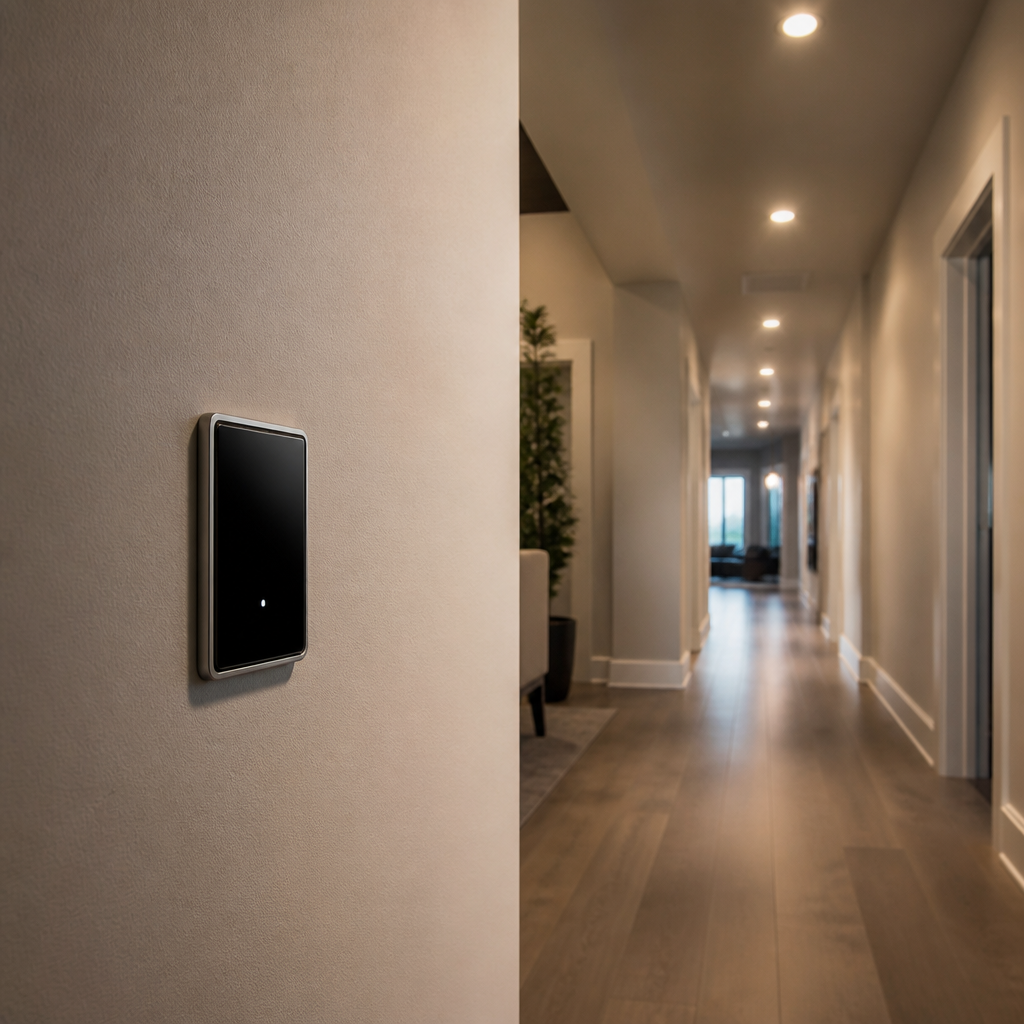
If you want smart control over several lights, smart switches can make more sense than installing multiple smart bulbs. A switch can control the fixture from the wall while also allowing app or voice control.
This is especially useful for entry lights, exterior lights, hallways, and other fixtures that are easy to forget.
5. Smart Power Strips

A smart power strip can help organize electronics around a desk, entertainment center, or home office. Some models can schedule outlets or monitor and control connected loads.
The biggest benefit is not making every device in your house “smart.” It is giving you an easier way to control groups of electronics that otherwise stay plugged in all the time.
6. Smart Doorbell
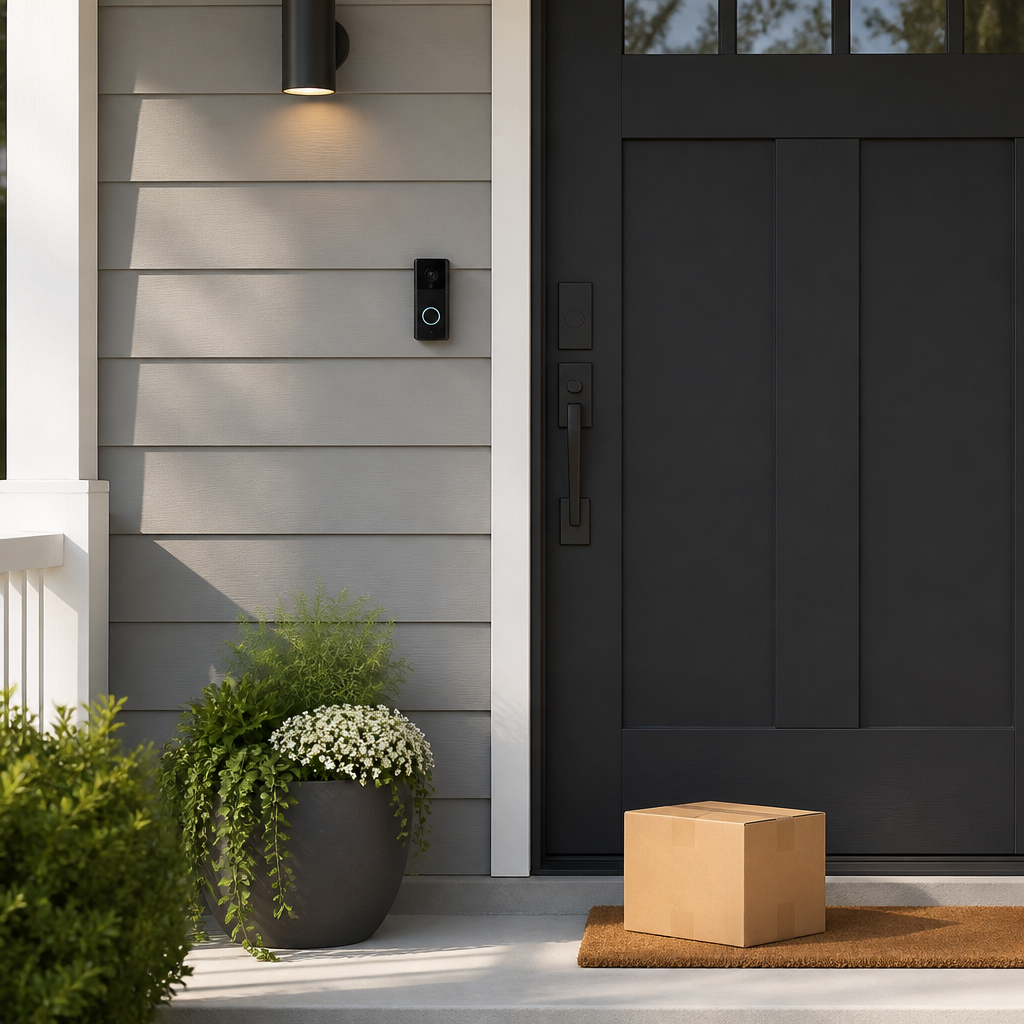
A smart doorbell can provide a convenient way to see who is at the door and receive alerts when activity is detected. For many households, that is more useful than a gadget that simply adds another voice command.
Before choosing one, check whether it requires a subscription for features you care about, how it stores video, and whether it works with your existing doorbell wiring or needs battery charging.
See a related option on Amazon (paid link)
7. Smart Outdoor Security Camera

An outdoor camera can help you check entrances, driveways, packages, and other areas around the property. Remote alerts can be helpful when you are away.
Place cameras thoughtfully and review privacy settings. More cameras are not automatically better; coverage of important areas is usually more useful than covering every corner.
8. Smart Indoor Security Camera
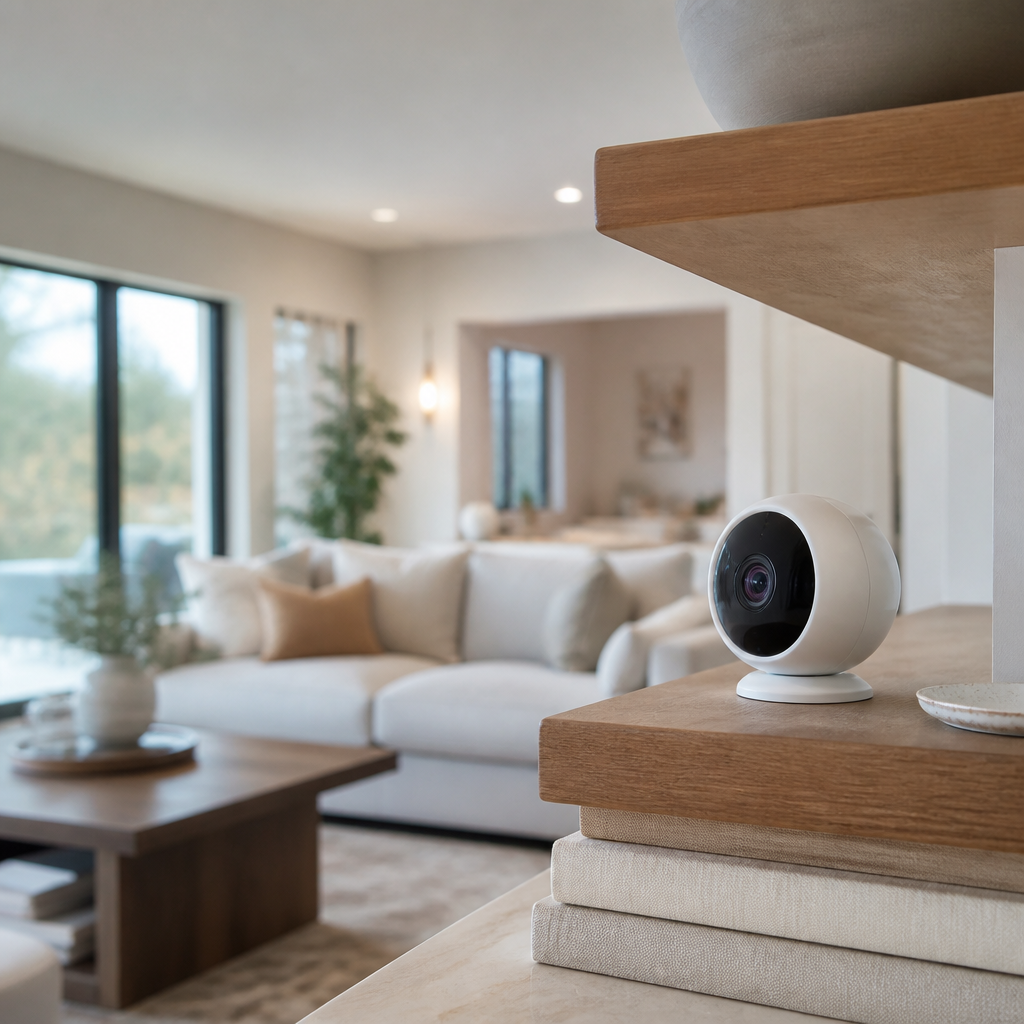
Indoor cameras can be useful for specific purposes such as checking on pets, monitoring an entryway, or seeing what is happening in a particular room while you are away.
Because indoor cameras can capture private activity, security and privacy should be part of the buying decision. Use strong account credentials, enable available security protections, and consider whether you really need continuous recording.
9. Smart Lock
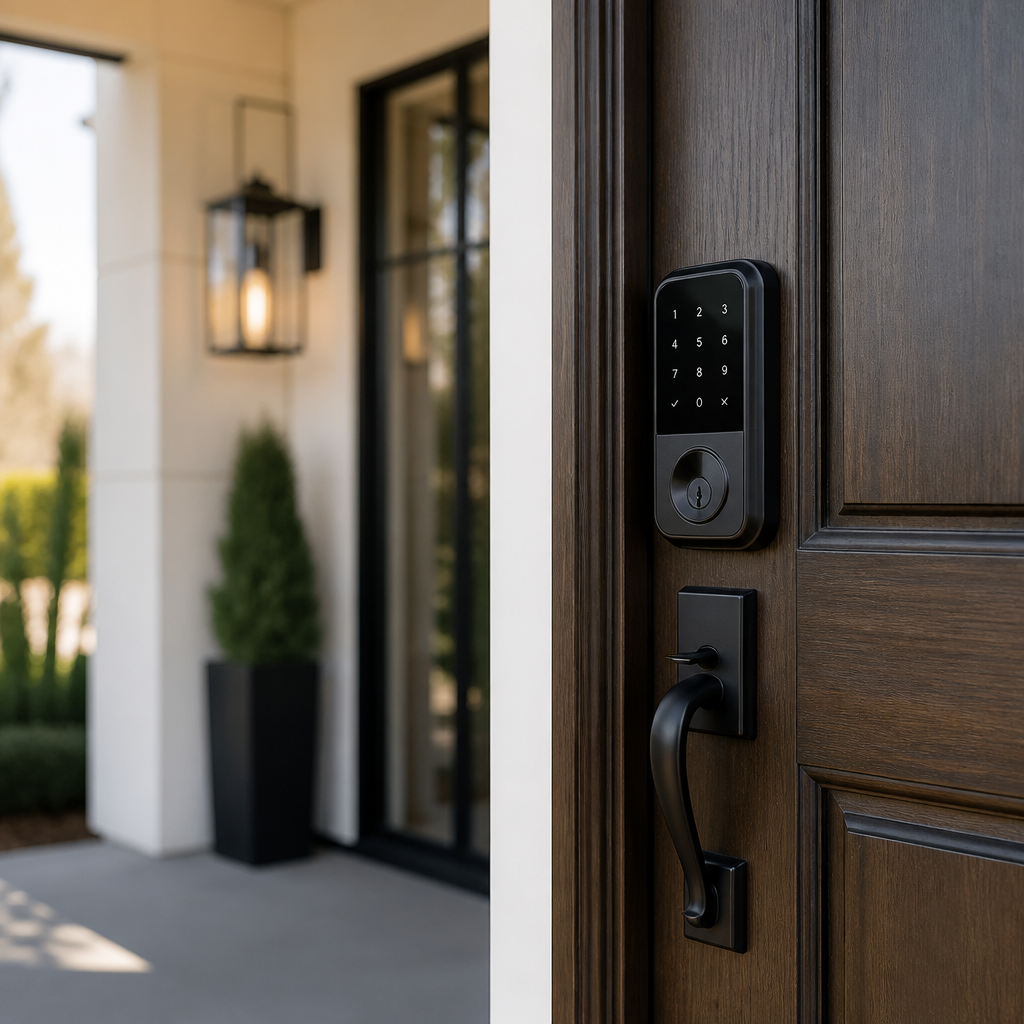
A smart lock can make everyday entry more convenient. Depending on the model, you may be able to use a keypad, smartphone, temporary access code, or remote locking feature.
It can be particularly useful for households that frequently need to give access to family members, guests, cleaners, or service providers. Make sure the lock is compatible with your door and that you understand its backup entry method.
See a related option on Amazon (paid link)
10. Smart Smoke and Carbon Monoxide Alarm
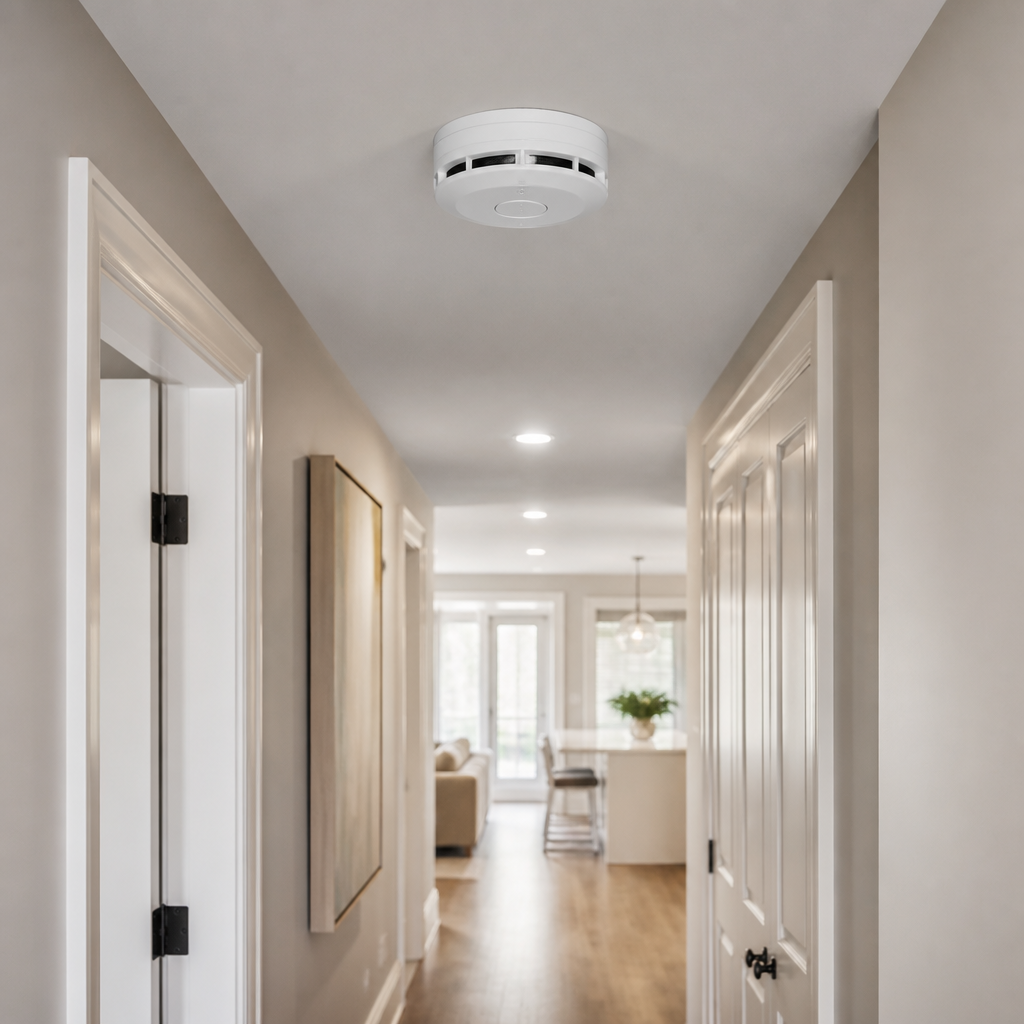
Smart smoke and carbon monoxide alarms can send notifications to your phone when an alarm condition is detected, depending on the product and connectivity.
Safety devices should never be chosen only for their smart features. Look for appropriate certifications, install them according to the manufacturer’s instructions, and maintain or replace them as required.
11. Smart Water Leak Sensor

A small water leak can become a large home problem surprisingly quickly. Leak sensors can alert you when moisture is detected near places such as water heaters, sinks, washing machines, or sump pumps.
This is one of the smartest uses of automation because the device can alert you when you are not standing nearby to notice a problem.
See a related option on Amazon (paid link)
12. Smart Water Shutoff Valve
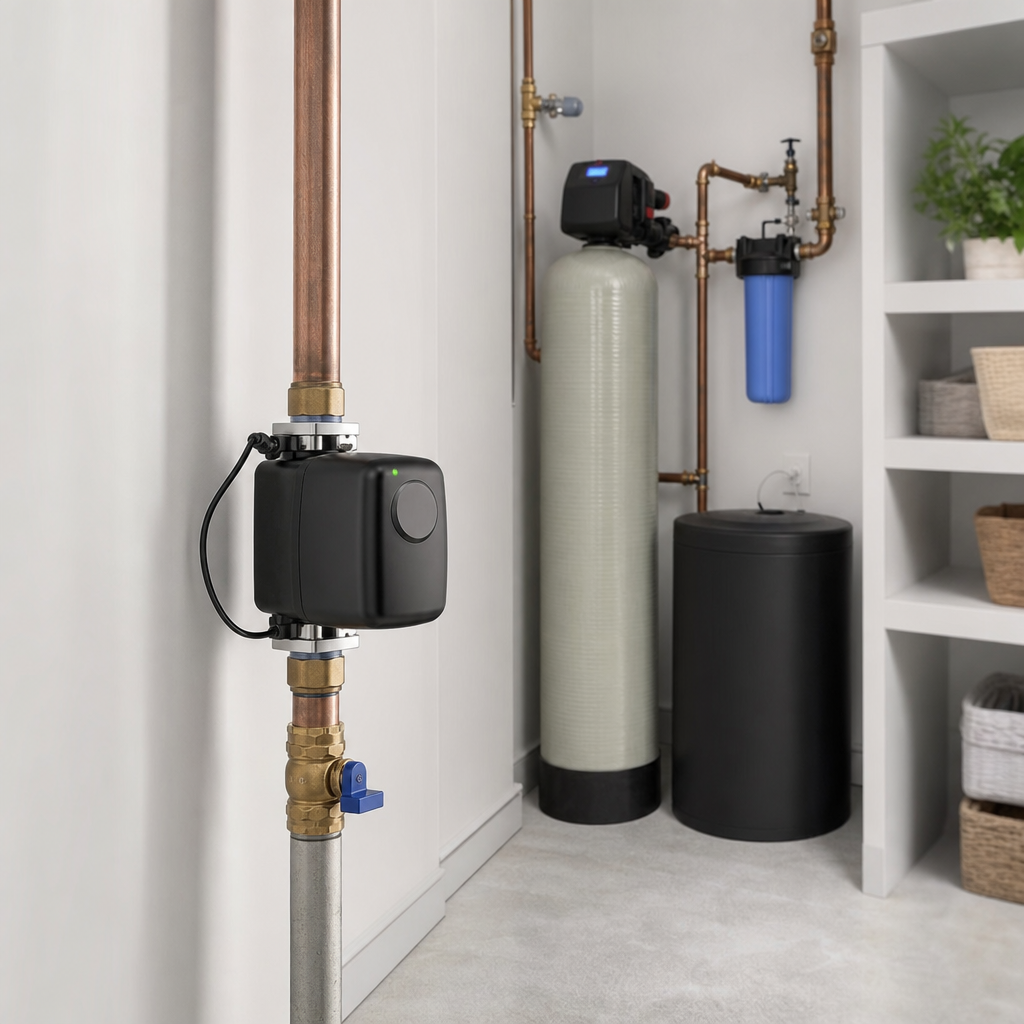
A smart water shutoff system can go a step further by detecting certain leak conditions and, depending on the system, shutting off the home’s water supply automatically or allowing remote control.
This is a more involved installation than a simple sensor, but it can be worth considering for homeowners concerned about water damage or properties that are frequently left empty.
13. Robot Vacuum

Robot vacuums are useful when their main job is simply to keep everyday dust, crumbs, and pet hair under control. Scheduling can reduce the amount of routine vacuuming you need to do manually.
They are not a complete replacement for a traditional vacuum. Stairs, edges, deep cleaning, and unusual surfaces may still require hands-on cleaning.
See a related option on Amazon (paid link)
14. Smart Air Purifier
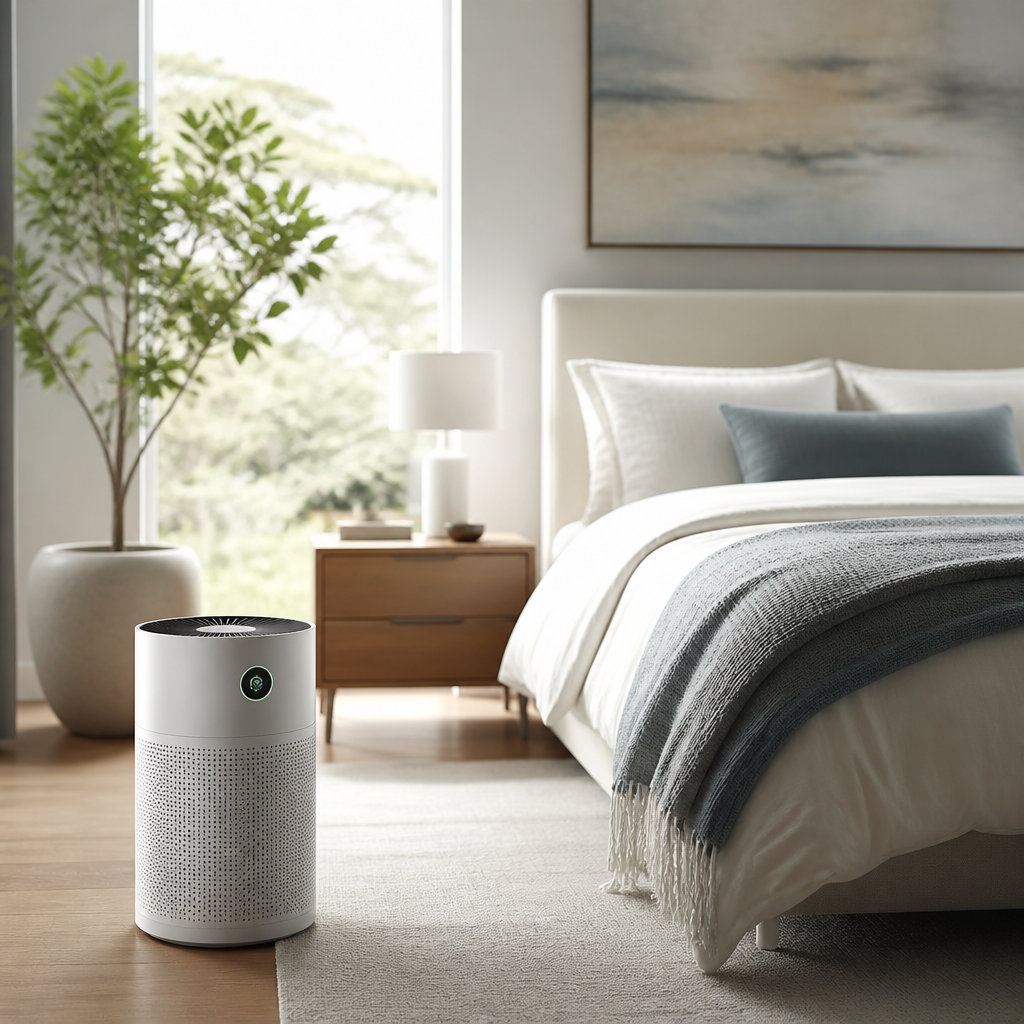
A connected air purifier can make it easier to schedule operation, monitor certain air-quality measurements, or receive filter-related reminders, depending on the model.
The smart features are most useful when they make maintenance and everyday operation easier. Choose the purifier based first on room size, filtration needs, replacement-filter availability, and noise level.
15. Smart Ceiling Fan

A smart ceiling fan can add scheduling, remote control, or integration with other home routines. That can be convenient in bedrooms, living rooms, and rooms where you regularly want airflow at particular times.
Fans can complement heating and cooling strategies by improving comfort without requiring the same type of temperature change from your HVAC system.
16. Smart Garage Door Controller
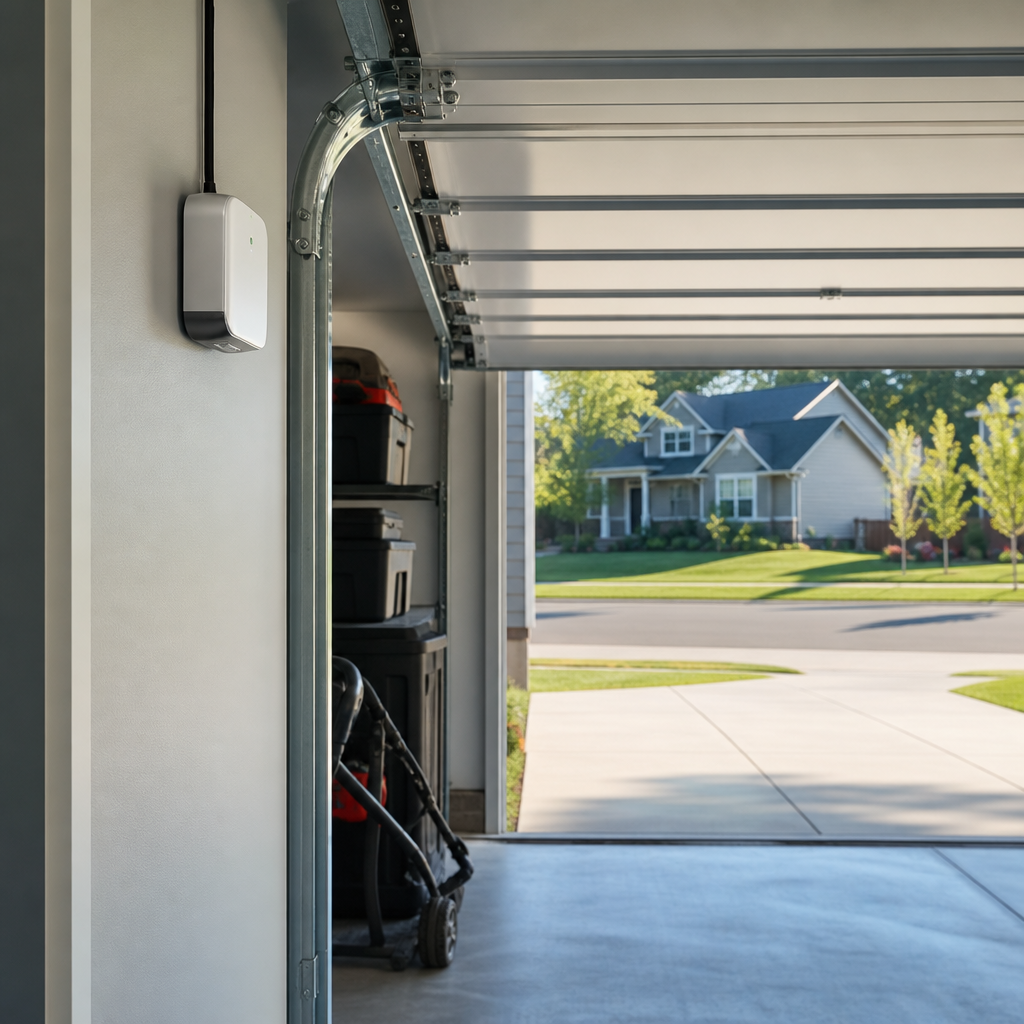
A smart garage door controller can provide status alerts and remote control, depending on compatibility. That can be useful when you are unsure whether the garage was left open or when you need to give temporary access to someone.
Compatibility is especially important because garage door systems vary. Check the controller’s supported opener models before purchasing.
17. Smart Irrigation Controller
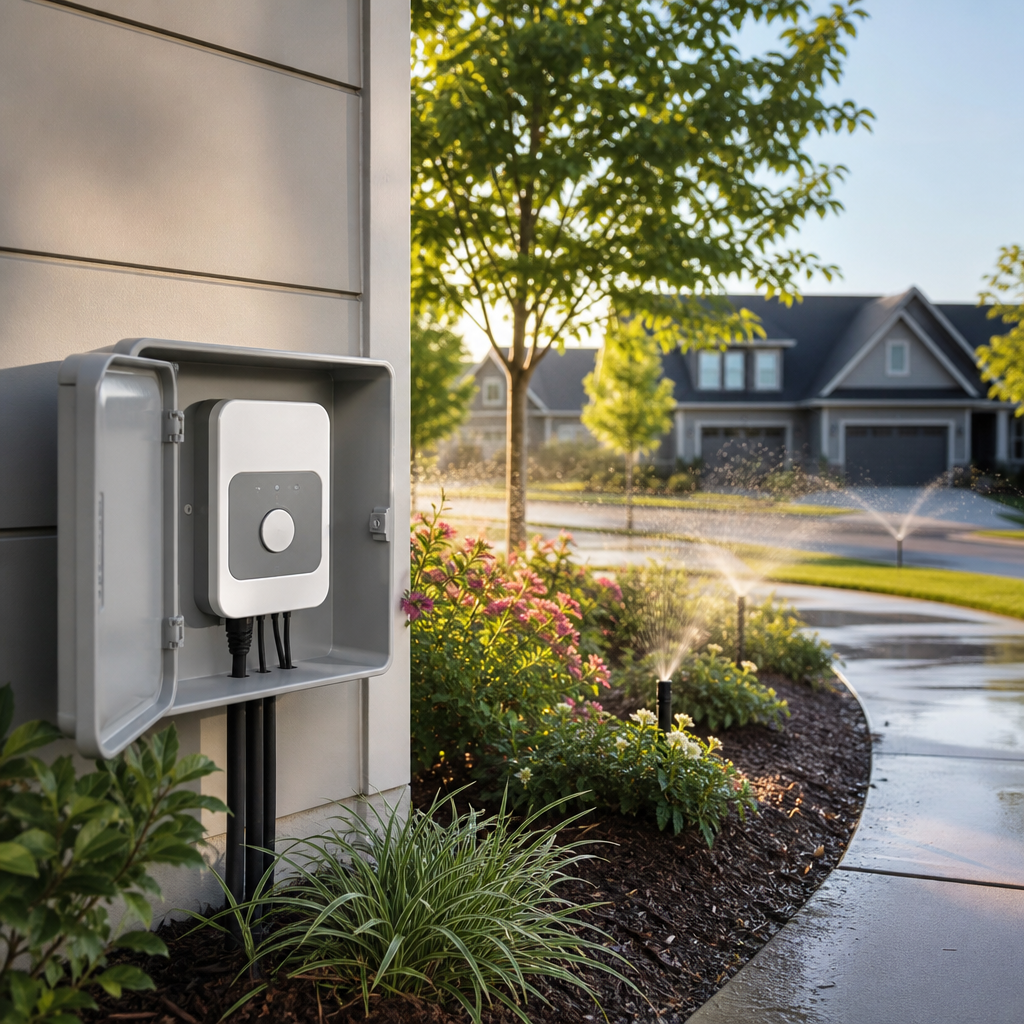
A smart irrigation controller can make watering schedules easier to manage and, on compatible systems, adjust watering based on weather or other conditions.
This can be especially helpful for homeowners who travel frequently or simply want to avoid running irrigation on an unnecessarily rigid schedule.
18. Smart Home Energy Monitor
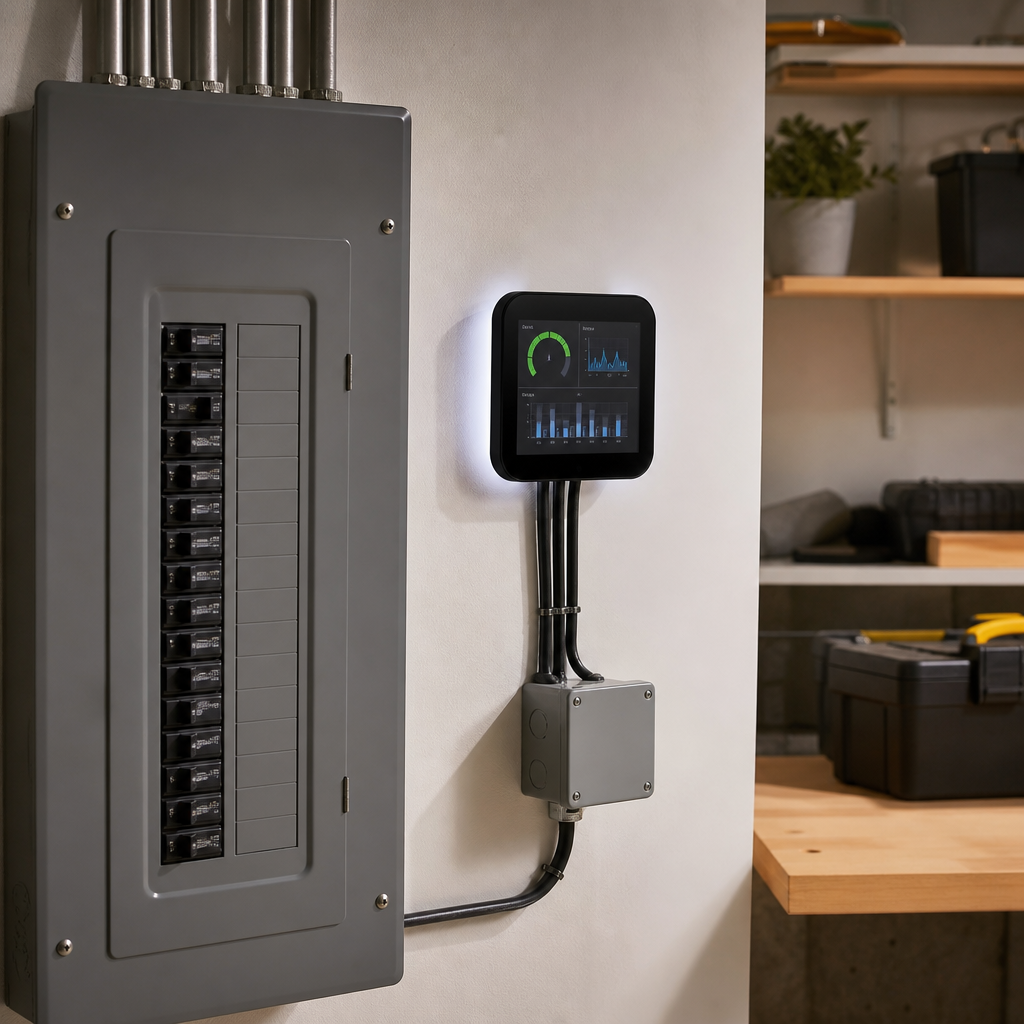
An energy monitor can help you understand where electricity is being used in your home. That information can be more valuable than adding automation without knowing what you are trying to improve.
If you are working on lowering energy waste, use the information to identify patterns and prioritize practical changes. You can also combine monitoring with smart plugs, lighting, or thermostat controls.
For more practical ways to cut household energy waste, see our guide to 25 Simple Ways to Reduce Energy Use at Home.
See a related option on Amazon (paid link)
19. Smart Speaker or Home Hub
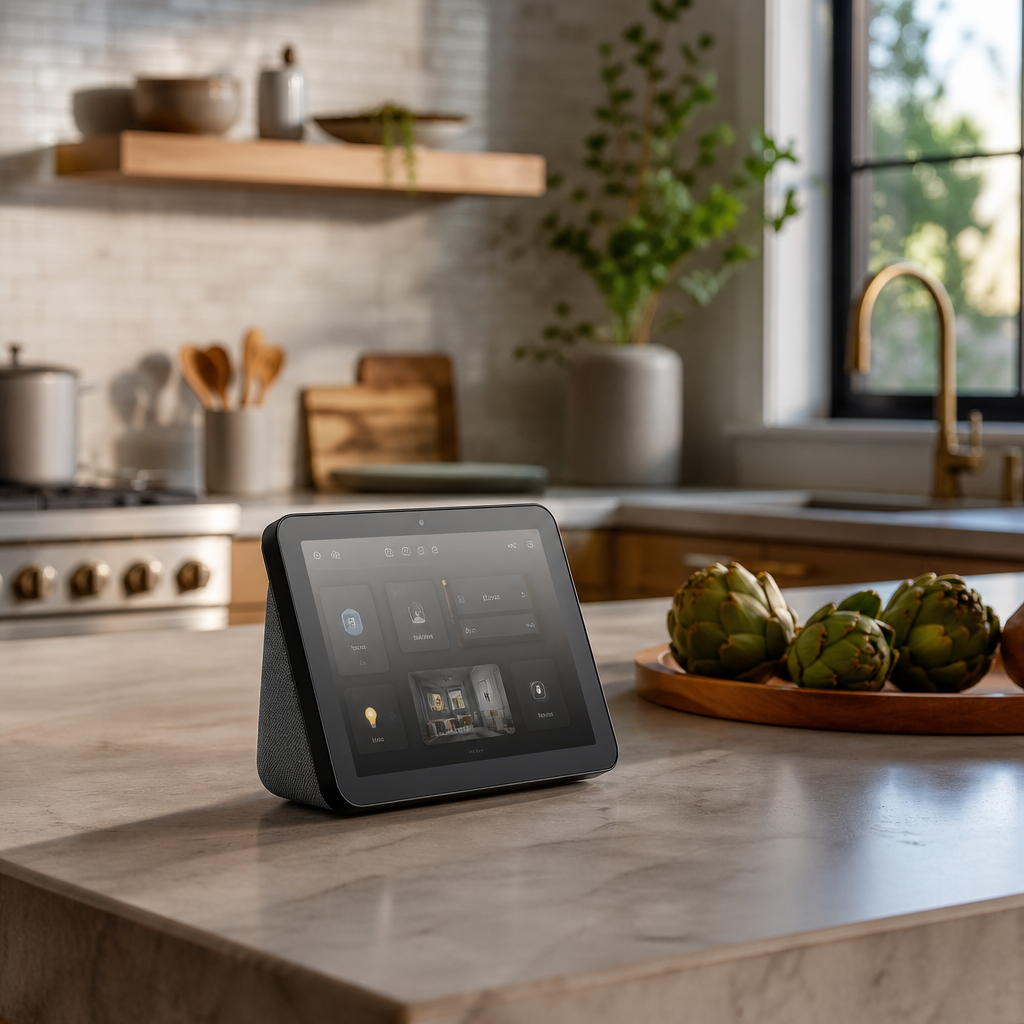
A smart speaker or compatible home hub can become the central control point for routines involving lights, plugs, thermostats, locks, and other devices. Voice control is useful, but routines and automation are often the bigger benefit.
Before building around one platform, check device compatibility. ENERGY STAR notes that interoperability matters because not every smart device works with every ecosystem.
20. Smart Refrigerator or Connected Appliance

Connected appliances can be useful when the smart features solve a specific problem rather than simply adding a screen. Depending on the appliance, useful features can include status alerts, maintenance notifications, remote controls, or energy-related information.
If you are replacing an appliance anyway, connected functionality can be worth considering. But do not replace a perfectly good appliance solely to make it smart.
Which Smart Home Devices Are Worth Buying First?
If you are starting from scratch, avoid buying everything at once. Choose devices based on the problem you want to solve.
- For energy savings: start with a smart thermostat, smart lighting, smart plugs, or an energy monitor.
- For home security: consider a smart doorbell, outdoor camera, smart lock, or connected alarm.
- For water protection: start with leak sensors and consider a smart shutoff system for higher-risk homes.
- For convenience: smart plugs, lights, a garage controller, or a robot vacuum are easy places to begin.
- For a connected system: choose one ecosystem and check compatibility before buying multiple devices.
What Makes a Smart Home Device Actually Useful?
A useful smart device should solve a real problem, save you time, make your home safer, improve comfort, or provide information you can act on. If you stop using the feature after the first week, it probably was not a good purchase.
Also consider reliability. A device that requires frequent resets or loses its connection can create more work than it saves. Look at app quality, update support, compatibility, installation requirements, and whether important functions still work if the internet connection is temporarily unavailable.
Smart Home Privacy and Security Matter
Connected devices add convenience, but they also create additional accounts and internet-connected endpoints. The Federal Trade Commission recommends securing your router, changing default credentials, using encryption, and keeping device software updated.
Before buying cameras, microphones, locks, or other sensitive devices, review what information the product collects, where recordings or data are stored, and which features require a cloud subscription.
How to Build a Smart Home Without Overspending
- Start with one everyday problem.
- Buy one device that solves it.
- Use it for a few weeks before adding more.
- Keep devices within a compatible ecosystem where practical.
- Prefer automation that removes a repetitive task rather than automation for its own sake.
- Review subscriptions before purchasing products that depend on monthly fees.
Smart-home technology works best when it becomes almost invisible. The goal is not to have the most devices. The goal is to have a home that handles a few repetitive tasks more intelligently and gives you useful information when something needs your attention.
More Smart Home Ideas From The Aura Living Space
Final Takeaway
The best smart home devices that are actually useful are not necessarily the flashiest ones. A thermostat that adjusts itself, a leak sensor that catches moisture early, a smart plug that turns something off automatically, or a doorbell that lets you see who is outside can deliver much more practical value than a gadget you use once for entertainment.
Start small, choose devices around real household needs, and build a connected home gradually. That approach can make smart-home technology more useful, more reliable, and easier to live with.
Frequently Asked Questions
What is the most useful smart home device?
For many households, a smart thermostat is one of the most useful starting points because it combines everyday convenience with potential energy savings. The best choice ultimately depends on the problem you want to solve.
Are smart home devices worth it?
They can be worth it when a device solves a recurring problem, saves time, improves safety, or helps manage energy or water use. Avoid buying devices simply because they are marketed as smart.
Do smart home devices use a lot of electricity?
Individual connected devices generally use relatively small amounts of electricity, although standby consumption can add up across many devices. Choose efficient equipment and avoid unnecessary always-on devices.
How do I start a smart home on a budget?
Start with one or two simple devices such as a smart plug, smart bulb, or compatible thermostat. Learn how they work, then expand only when another device solves a real problem.
Are smart home devices secure?
Security depends on the device, account, network, software support, and your own settings. Use strong unique credentials, secure your Wi-Fi network, enable available security protections, and keep devices updated.
Sources: ENERGY STAR Smart Home Tips and Federal Trade Commission guidance on securing internet-connected devices.