
Black Friday smart home buying checklist: Before buying a connected device, compare ecosystem compatibility, connection method, privacy, ongoing costs, installation needs and the return policy—not just the advertised discount. This guide helps US shoppers decide whether a deal is genuinely useful.
Smart home devices can make routines easier, but the wrong model can create an extra hub purchase, a monthly subscription or an app that does not work with the rest of your home. Use the seven checks below as a practical purchase filter. Prices and promotions change; no specific live discount is assumed here.
For examples of genuinely useful device categories, see our smart home device guide and everyday smart home ideas.
Amazon Affiliate Disclosure: As an Amazon Associate, I earn from qualifying purchases. Qualifying purchases through affiliate links may earn a commission at no extra cost to you.
Black Friday Smart Home Buying Checklist
Start with the device you need—not the discount
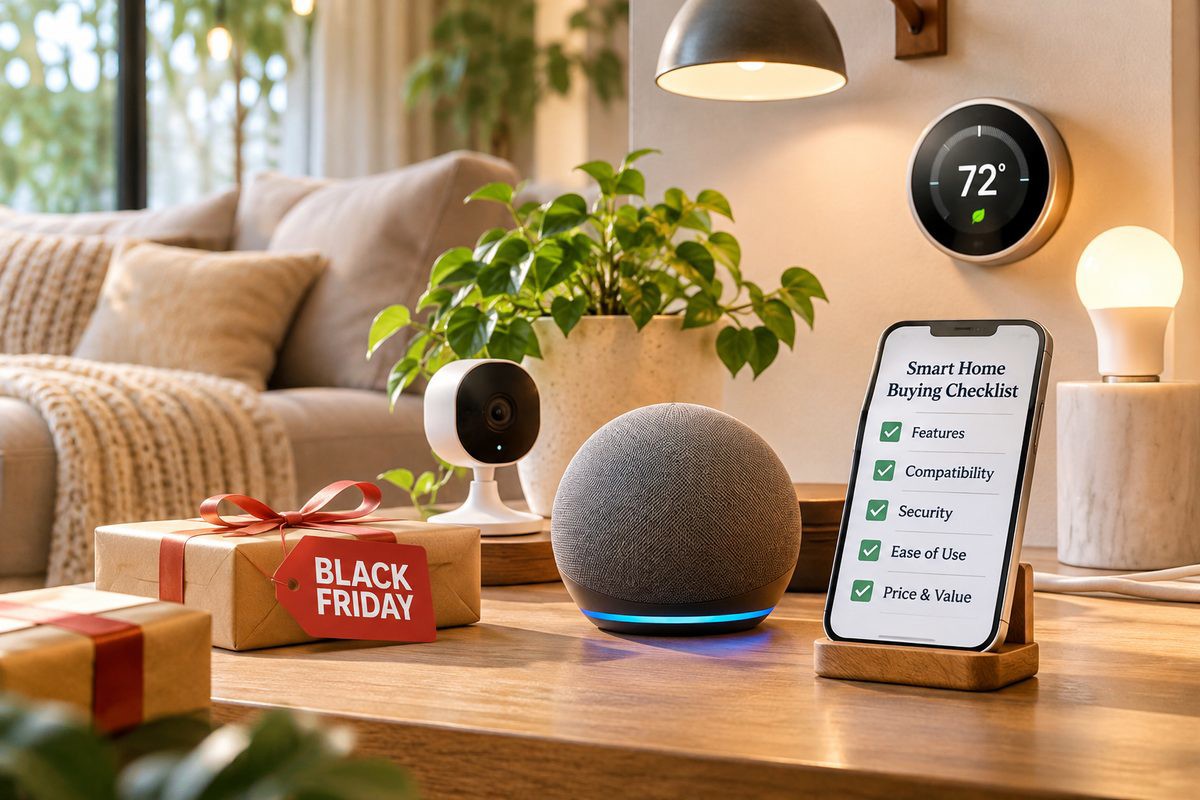
A smart plug is useful for a lamp, but it cannot make every appliance safe to automate. A video doorbell needs a suitable mounting position and dependable Wi-Fi. A thermostat requires compatibility with your heating and cooling system. Before comparing Black Friday prices, write down the specific problem you want to solve, the rooms involved and the people who will use the device. Decide whether convenience, energy awareness, security or accessibility is the priority.
Buying check: Can you describe the intended everyday use in one sentence? If not, wait rather than buying a gadget because its discount looks dramatic.
Check platform compatibility and Matter support
Confirm whether the exact model works with your household’s Apple Home, Google Home, Alexa, SmartThings or other preferred platform. A product labeled Matter-compatible may still require a Matter controller, Thread border router or firmware version for some features. Matter does not guarantee every manufacturer-specific function appears in every app. Look for supported device type, setup requirements and the features available in your chosen ecosystem—not just a large logo on the box.
Buying check: Read the exact model’s compatibility page, controller requirements and supported functions. If you already own a hub, verify whether it is actually required or merely optional.
Compare Wi-Fi, Thread, Zigbee and hub requirements
Connectivity affects reliability and the true cost. Wi-Fi devices connect through your home network and may depend on a vendor cloud. Thread devices use a low-power mesh but typically need a compatible border router for network access. Zigbee products generally need a compatible hub. Check whether a device needs 2.4 GHz Wi-Fi, how many devices your router can comfortably handle and whether it will work where you plan to install it.
Buying check: Include any required hub or border router in the total price and check coverage at the intended location.
Review privacy, security and update policies
Connected cameras, locks and speakers can handle sensitive information. Review what data the product collects, whether local processing or local storage is available, whether cloud recording is optional, and whether you can enable multi-factor authentication. Look for a clear security-update policy and a credible history of firmware support. Do not assume a privacy claim means no information ever leaves the home.
Buying check: Favor devices with transparent update information, unique-account credentials, sensible permissions and straightforward privacy controls.
Calculate the real price beyond the Black Friday tag
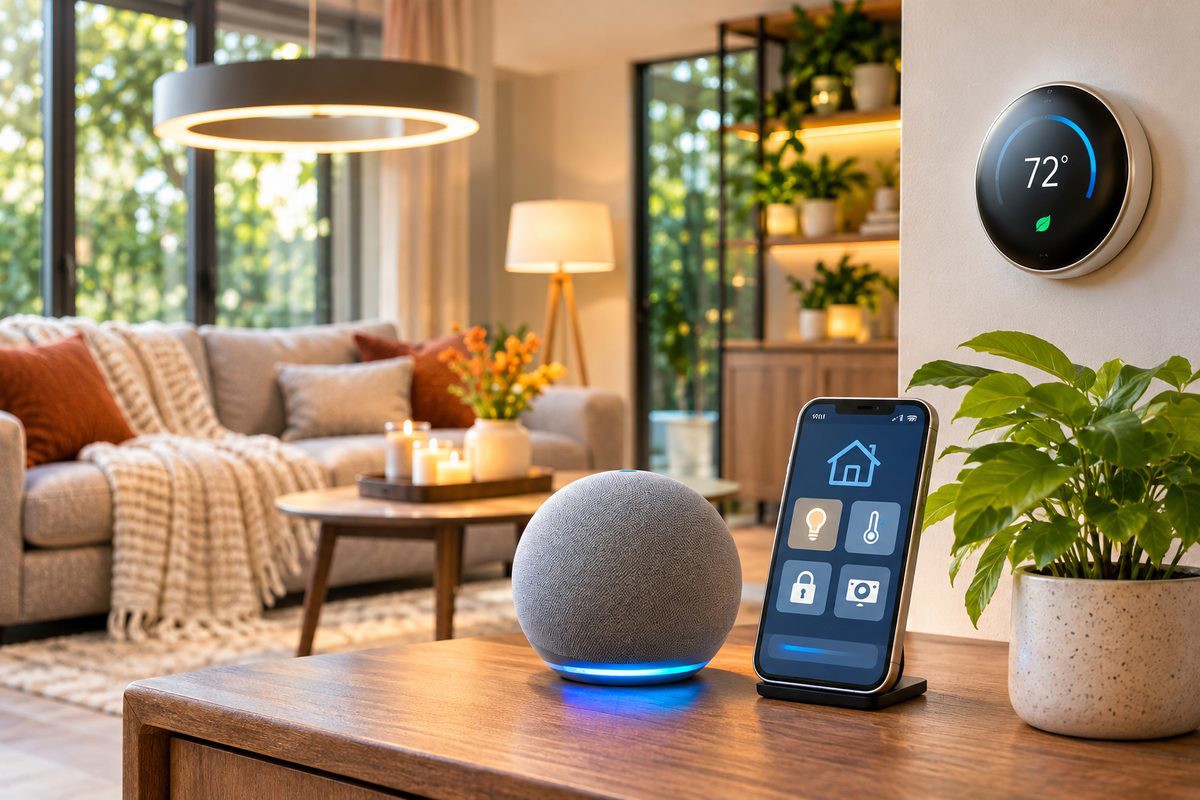
The checkout price is only part of ownership cost. Compare the device’s recent normal price where possible, then add required hubs, subscriptions, storage plans, replacement batteries, mounting accessories and any installation charges. For cameras and doorbells, check whether recording history or smart alerts require a recurring fee. For smart bulbs, calculate whether a bridge is needed to control the features you want.
Buying check: Record a first-year total and a three-year total. A cheaper device can cost more when essential features are subscription-locked.
Check installation, electrical safety and household fit
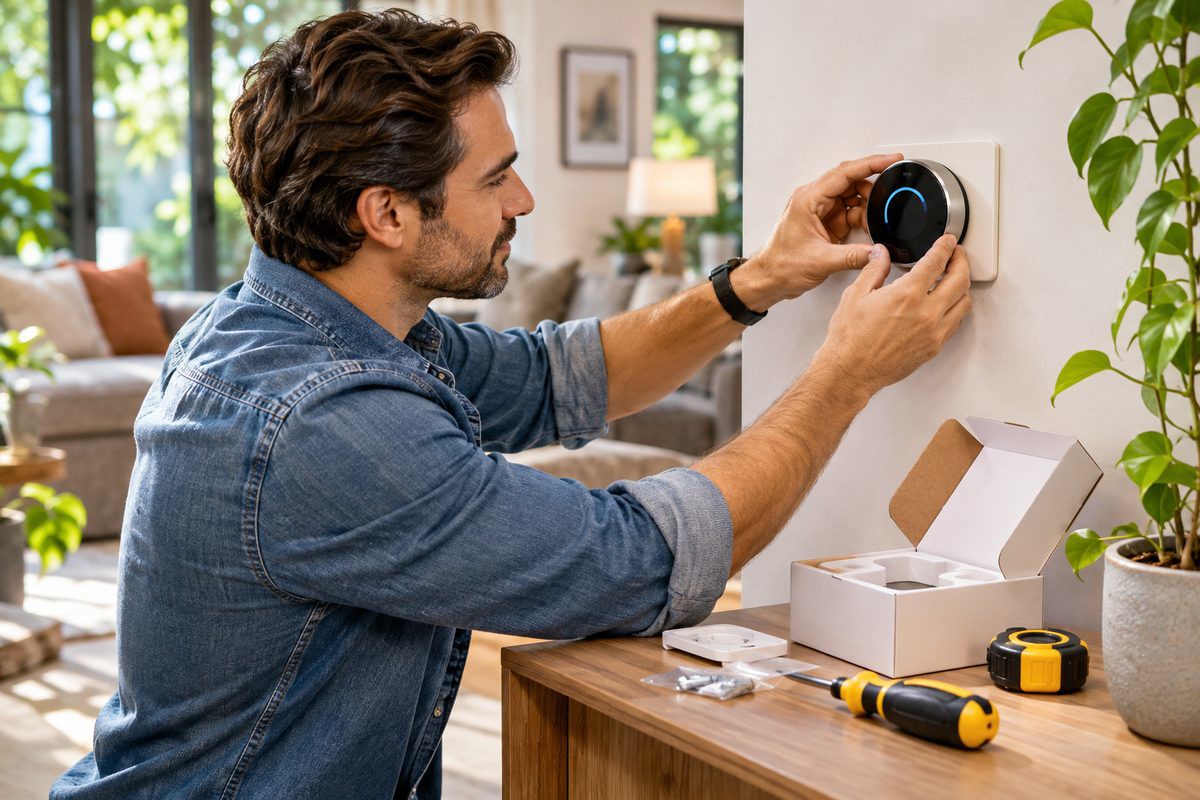
For smart plugs, match the manufacturer’s electrical rating to the connected load and avoid using them with appliances the manufacturer excludes. Smart switches may require a neutral wire, a specific wall-box depth or professional installation. Thermostats need wiring and HVAC compatibility checks. Locks need door measurements, reliable mechanical operation and a sensible backup-entry plan. Renters should consider reversible installation and landlord requirements.
Buying check: Confirm exact dimensions, voltage, load rating, wiring and return conditions before ordering. Use a qualified electrician for work beyond your competence.
Test reliability, usability and returns

A product should still be practical when the internet is slow or a family member does not want to use an app. Check whether physical controls remain available, whether automations run locally, and what happens during an outage. Read recent reviews for pairing failures, notification delays, battery life and support experiences, but do not treat a single review as a universal result. Compare warranty terms, seller identity and return windows, especially for holiday gifts.
Buying check: Save the receipt, packaging and compatibility notes. Test setup promptly while the return window is open.
Quick comparison worksheet
Before checkout, compare two or three models side by side using the same criteria:
| Question | What to record |
|---|---|
| Will it work with my setup? | Exact model, ecosystem, hub/controller and supported features |
| How does it connect? | Wi-Fi band, Thread/Zigbee requirements and coverage |
| What is the true cost? | Device, accessories, installation, subscriptions and batteries |
| Is it trustworthy? | Security updates, data handling, account protection and warranty |
| Can I install and return it? | Dimensions, electrical/wiring requirements, seller and return deadline |
Which smart home devices are worth considering first?
For a simple first purchase, a compatible smart bulb or low-load smart plug can be easier to evaluate than a whole-home security system. For a larger purchase, prioritize the devices that solve a recurring household problem and have a clear installation plan. Explore our morning automation guide for practical routines and our home energy-saving upgrades for broader efficiency ideas.
Smart home products to compare
These two previously featured product categories are useful starting points for applying the checklist. They are examples, not verified Black Friday deals.
More product categories to evaluate with this checklist: These are existing AURA affiliate selections, not current deal recommendations. Choose only devices compatible with your home.
Frequently asked questions
Does Matter mean every smart device works with every platform?
No. Check the exact device type, platform version, controller requirements and supported features. Matter interoperability does not guarantee identical app features.
Is a smart home hub always necessary?
No. Requirements depend on the product and connection standard. Some Wi-Fi devices work directly with an app, while Zigbee and some Thread/Matter setups need additional infrastructure.
How do I tell whether a Black Friday price is a real bargain?
Compare the current price with a reliable recent price history where available, confirm the exact model and seller, and include required accessories and subscriptions.
Should I buy a smart lock or camera during a sale?
Only after confirming installation fit, household needs, security features, privacy practices, ongoing fees and the return policy. A sale is not a reason to rush a security-sensitive purchase.
Conclusion
The best Black Friday smart home purchase is the one that fits your existing setup, works reliably for your household and costs what you expected over time. Save this checklist, compare exact model numbers and walk away from a deal if the compatibility or security details are unclear.


